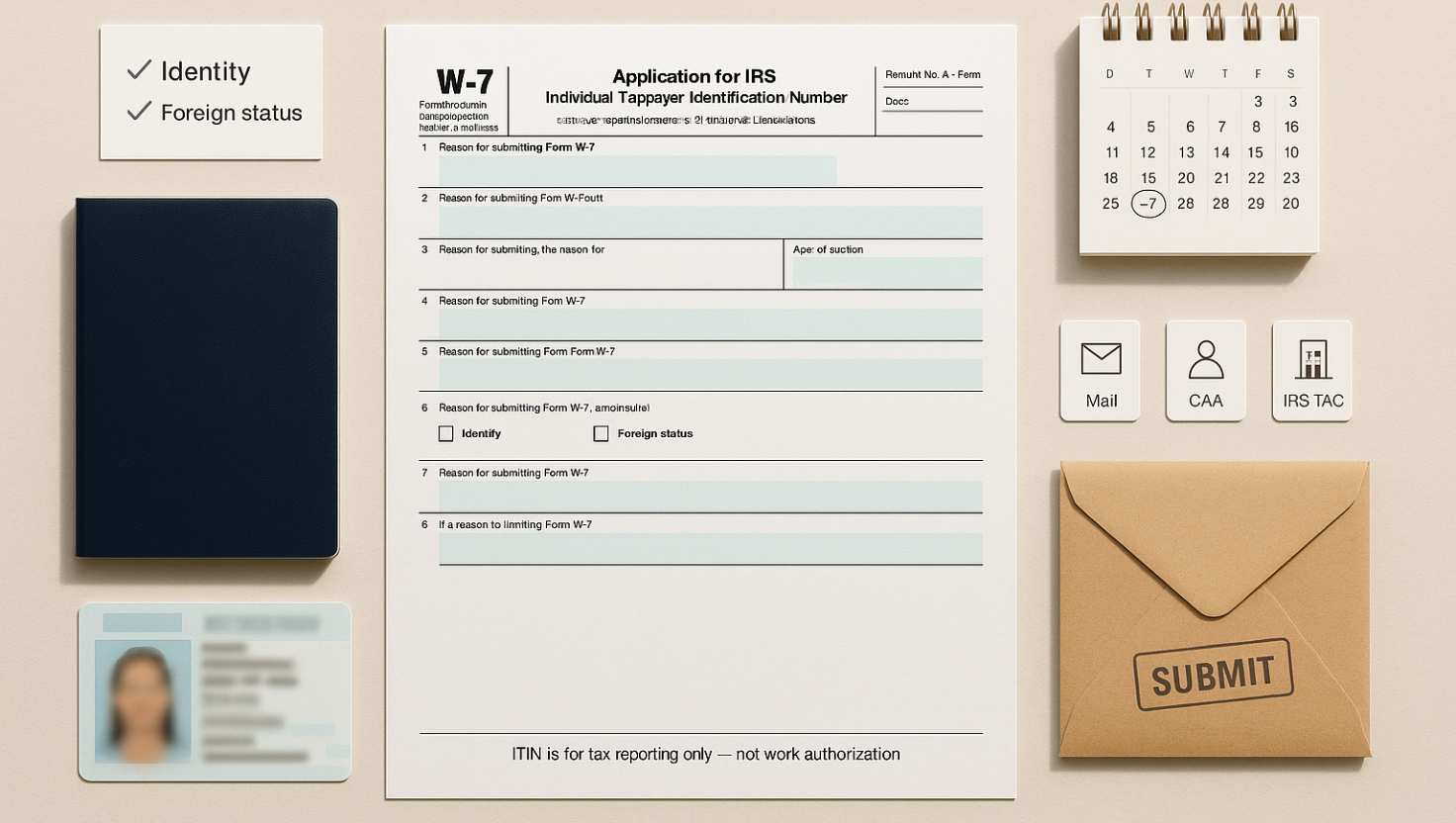
The W7 form for ITIN application is required to obtain an Individual Taxpayer Identification Number from the IRS. Our online service makes it easy to complete and submit the form correctly, ensuring a secure and error-free process.
In this guide, we will explore everything related to the W-7 form for ITIN, including application processes, instructions, and what to do if your form is lost or expired.
What is the W-7 form for ITIN?
The W-7 form for ITIN is an application form that individuals must fill out to obtain an Individual Taxpayer Identification Number (ITIN) from the IRS. This number is assigned to those who are not eligible for a Social Security number but need to comply with U.S. tax laws.
ITINs are primarily used by non-residents and foreign nationals. They help facilitate tax compliance and ensure that individuals can meet federal tax obligations. The W-7 form also allows for the renewal of expired ITINs, making it a versatile tool for tax reporting.
It’s important to note that the W-7 form cannot be used as a form of identification outside of tax purposes. Its primary function is strictly for tax reporting, which distinguishes it from other identification forms issued by the government.
How do I apply for a W-7 form for ITIN?
Applying for a W-7 form for ITIN can be done through several methods. You can submit your application either by mail, through a Certifying Acceptance Agent, or in person at an IRS Taxpayer Assistance Center. Each option has its specific procedures and requirements.
- Mail: To apply by mail, complete the W-7 form and send it along with your tax return to the IRS.
- Certifying Acceptance Agent: These agents can help you complete the W-7 form and submit it on your behalf.
- IRS Taxpayer Assistance Centers: You can visit one of these centers for assistance in filling out the form and obtaining your ITIN.
Regardless of the method chosen, ensure that you have all required documentation ready, such as a valid federal tax return and identification documents. Having these prepared will streamline the process and help avoid delays.
What are the instructions for the W-7 form?
When completing the W-7 form, it’s important to follow the specific instructions provided by the IRS. Each section of the form must be filled out accurately to avoid any complications in obtaining your ITIN.
The main sections of the W-7 form include personal information, reason for submitting the form, and documentation. Make sure to provide your name, address, and date of birth, as well as indicating why you are applying for an ITIN (e.g., to file a federal tax return).
Additionally, you must include supporting documents to verify your identity and foreign status. Acceptable documents include passports, national ID cards, and other government-issued identifications. Ensure that these documents are current and valid.
How to submit the W-7 form online?
Currently, the W-7 form cannot be submitted online directly through the IRS website. However, you can complete the form electronically and then print it for submission. After completing the form, you will need to send it by mail along with your federal tax return and copies of your identification documents.
To ensure successful submission, it’s advised to use a secure method of mailing, such as certified mail, which provides tracking and confirmation of delivery. This can help in case there are any follow-up questions or issues.
What to do if my W-7 form is lost or expired?
If your W-7 form is lost or if your ITIN has expired, it is important to take action promptly. In the case of a lost W-7 form, you will need to complete a new application and submit it to the IRS again.
For expired ITINs, you should refer to your previous tax returns to confirm your ITIN number. If your ITIN has been expired for more than three consecutive years, you will need to submit a new W-7 form to renew your ITIN.
To avoid complications, always keep copies of your submitted forms and any correspondence with the IRS. This ensures that you have a record of your applications in case you need to reference them in the future.
What are the recent developments regarding the W-7 form?
The IRS has made recent updates to the W-7 form for ITIN process, including changes to eligibility requirements and processing times. As of October 16, 2024, the IRS is encouraging applicants to seek additional resources for any inquiries regarding the application.
Moreover, the IRS has been working to streamline the application process to reduce delays. Current applicants can expect improved processing times and more user-friendly guidelines to assist with completing the W-7 form.
- Increased processing efficiency for applications.
- Clarifications on eligibility requirements and documentation needed.
- Enhanced resources available through the IRS website for assistance.
As the IRS continues to update their processes, it is essential to stay informed about any changes that may affect your application.
Where do I send the W-7 form?
Once you have completed the W-7 form, you must send it to the appropriate address depending on your situation. If you are submitting your W-7 form with a tax return, you will send it to the address specified for tax returns in the instructions for the form.
For those applying without a tax return, the form should be sent to the following address:
- Internal Revenue Service
- ITIN Operation
- P.O. Box 149342
- Austin, TX 78714-9342
Always verify the current mailing address on the IRS website or through official IRS publications, as addresses can change. Ensuring that your application is sent to the correct location will help avoid delays.
Related questions about the W-7 form for ITIN application process
How do I verify my ITIN number?
To verify your ITIN number, you can refer to previous tax returns where the number was used. Additionally, you can contact the IRS directly through their taxpayer assistance lines for confirmation.
Keep in mind that it is essential to have your personal information ready, such as your name, date of birth, and any other identifying details. This information will help the IRS locate your records quickly.
Can I file a US tax return without an ITIN?
No, you cannot file a U.S. tax return without an ITIN if you are not eligible for a Social Security number. The ITIN is necessary for tax compliance and reporting purposes, especially for non-residents or foreign nationals.
If you need to file a tax return and do not have an ITIN, you must first complete the W-7 form to obtain one. This process ensures that you meet your tax obligations while residing or earning income in the U.S.
Is ITIN the same as SSN?
No, an ITIN is not the same as a Social Security Number (SSN). The ITIN is specifically issued for tax purposes to individuals who do not qualify for an SSN. While both are used for tax identification, they serve different populations.
SSNs are generally assigned to U.S. citizens and eligible residents, while ITINs are for non-residents and foreign nationals. It’s crucial to understand the distinction between the two, especially when filing taxes and dealing with IRS regulations.